

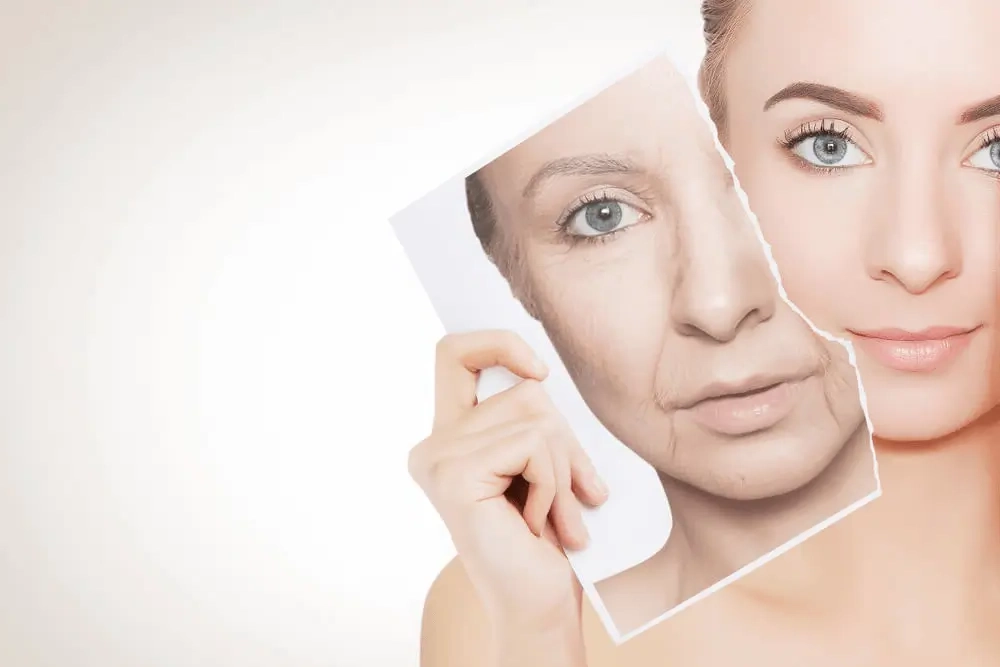
Oily shine and uneven skin texture are among the most common complaints people have about their portrait photos. Your face looks great in real life, but the camera—especially with flash or harsh lighting—picks up every shiny patch and visible pore in unforgiving detail. The good news is that fixing these issues is straightforward when you know the right approach.
Targeted skin correction tools on retouchme.com let you address shine and texture selectively without over-smoothing your entire face into something unrecognizable. The key is precision—treating specific problem areas rather than applying blanket corrections.

Why Photos Exaggerate Shine and Texture?
Camera sensors capture light differently from how your eyes perceive it. Flash photography bounces directly off shiny surfaces, creating harsh bright spots on foreheads, noses, and cheeks that look far more intense in photos than in person. Even natural light can exaggerate oiliness when it hits skin at certain angles.
High-resolution smartphone cameras also capture skin texture with brutal accuracy. Every pore and uneven patch becomes visible in ways that regular mirrors simply don’t show. This is why people are often surprised by how their skin looks in photos compared to real life.
Reduce Shine Without Losing Skin Depth
The mistake most people make is darkening shiny areas so aggressively that skin loses its natural glow. Healthy skin has some luminosity—completely flat, matte skin looks as unnatural as excessive shine.
Instead, reduce the brightness of overexposed shine patches specifically. Pull back highlights in affected areas until skin looks naturally balanced rather than completely matte. Some gentle glow should remain—just not the mirror-like reflection that flash creates.
Address Texture Zones Individually
Different areas of your face have different texture characteristics. Your T-zone might need more work than your cheeks, while the skin around your eyes requires delicate handling. Treat each zone according to its specific needs rather than applying uniform smoothing everywhere.
Focus texture reduction on:
- Forehead and nose where pores are most visible
- Cheeks where redness or unevenness appears
- Chin area prone to shine and congestion
Leave finer areas like temples and eye zones mostly untouched to maintain natural variation.
Maintain Realistic Skin Character
The goal is even, healthy-looking skin—not porcelain perfection. Keep some natural texture visible after corrections. Completely smooth skin looks artificial and draws more attention than the original shine did.
After reducing shine and evening texture, zoom out and check whether your skin still looks three-dimensional. If your face looks flat, you’ve gone too far with smoothing.
Fixing shine and texture works best when it’s subtle and targeted. Viewers should notice how good you look, not wonder why your skin looks suspiciously perfect. Small, precise corrections always beat dramatic transformations.
For more expert tips on photography, digital editing, and looking your best in every shot, visit EarlyMagazine UK—where creativity meets practical lifestyle advice.
